

Showcases
LiveShowcases your clients update themselves.
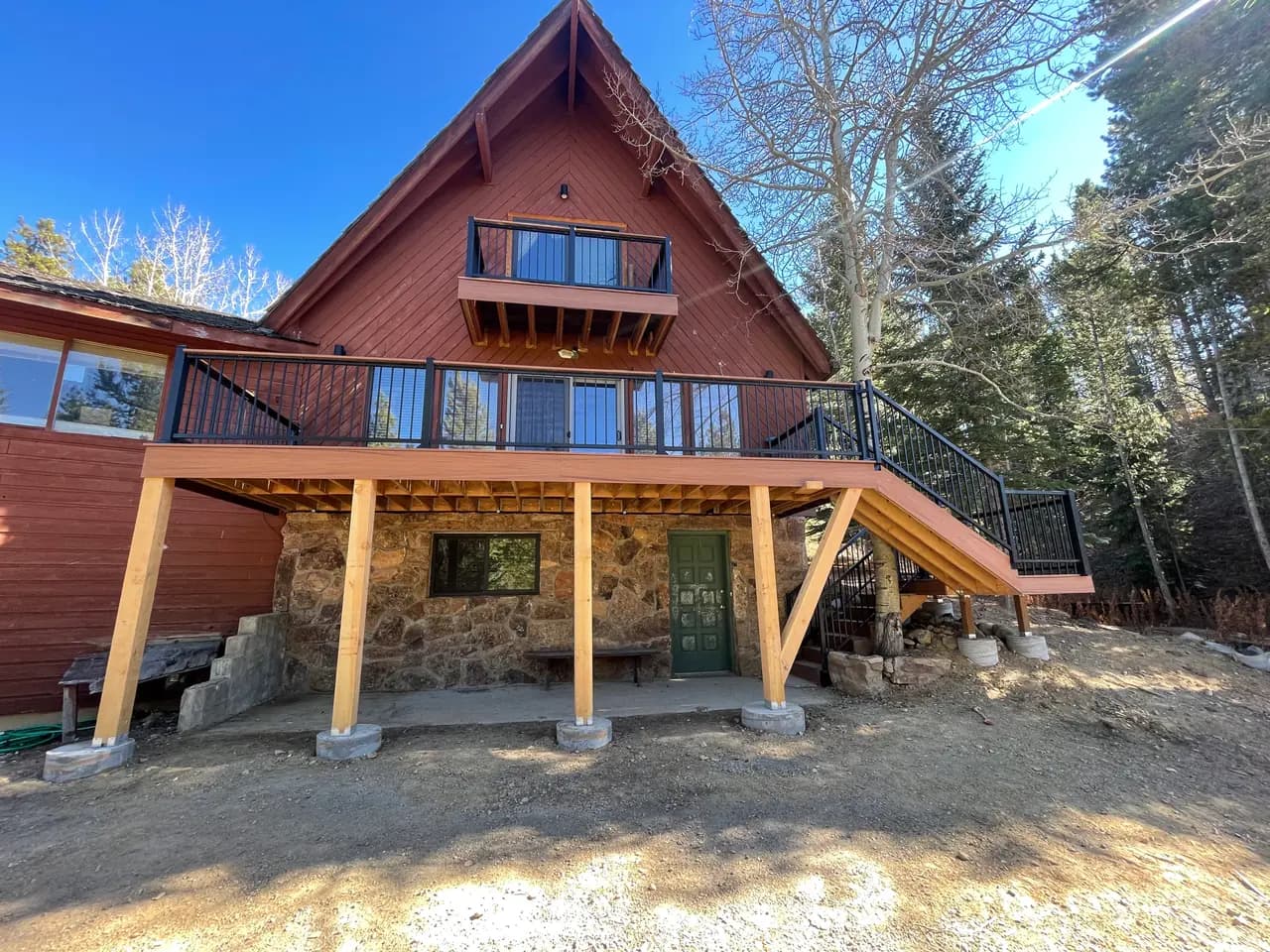
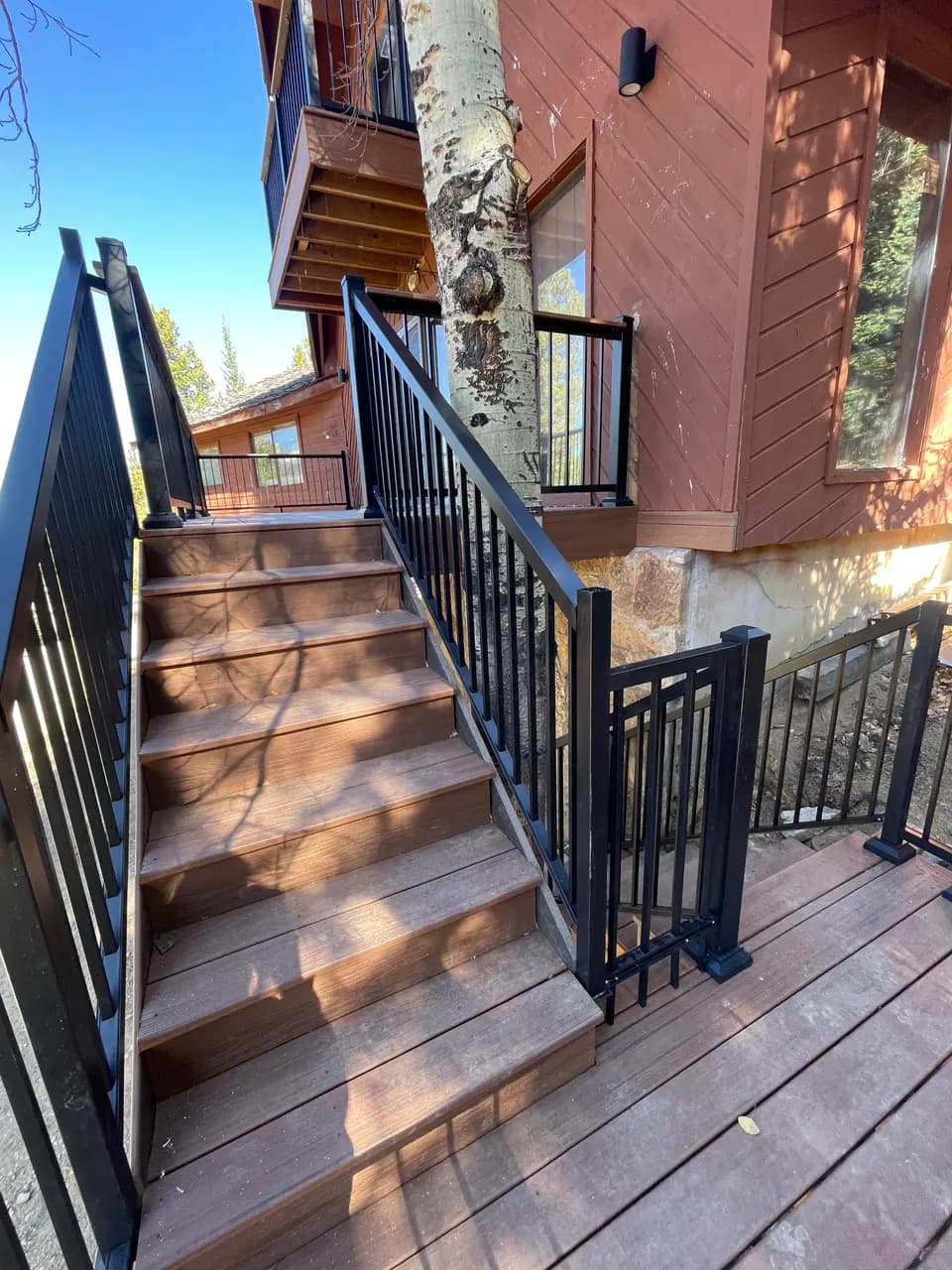
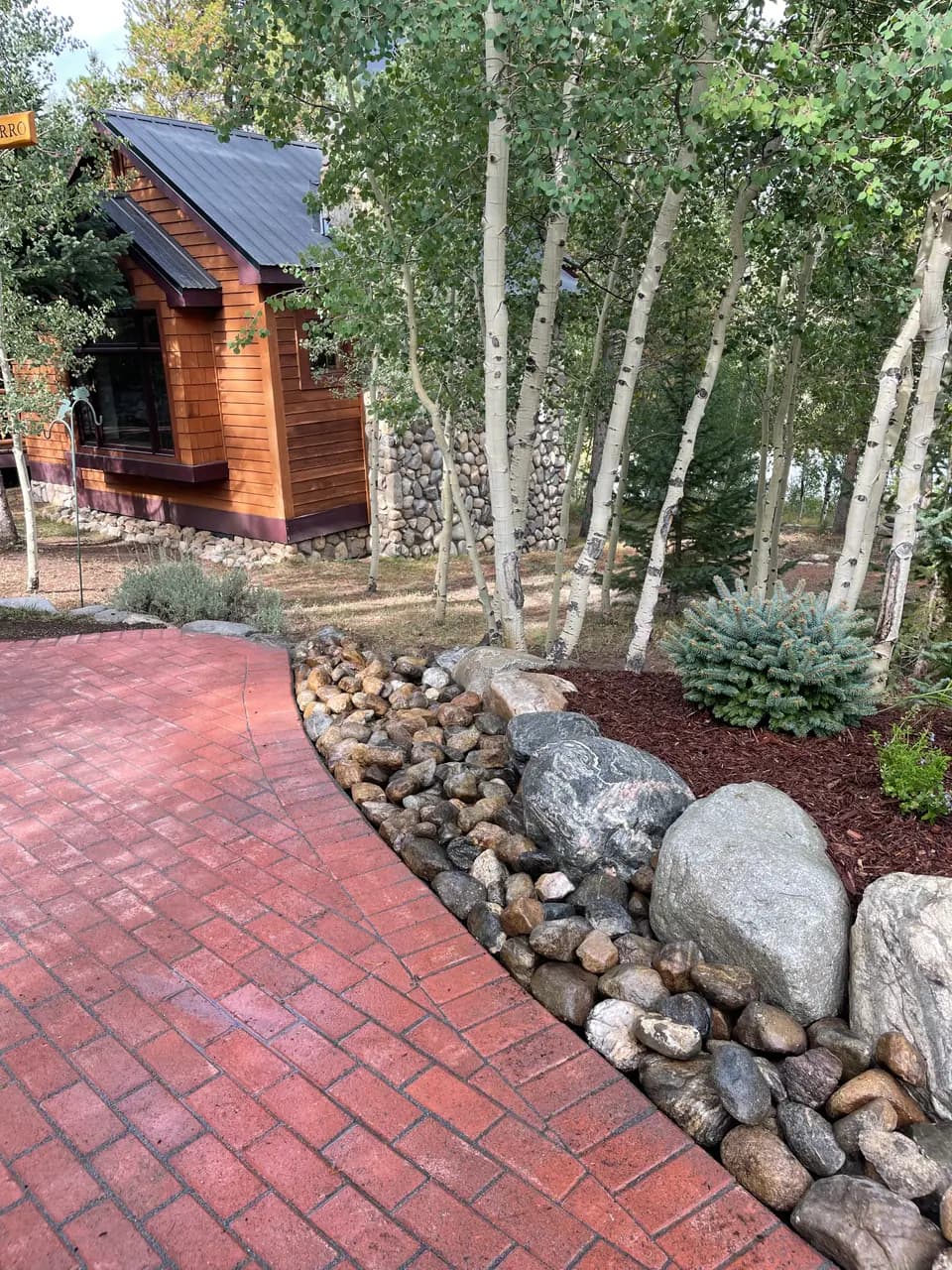
A project gallery of photos and videos, with filter tabs like “Finished homes” and “Cabin builds”. Build it once; your client adds, sorts, and reorders from a simple portal, and you never get the “can you update the photos?” email again.




What's included
Everything a client needs to keep their work current.
Showcases, mixed photo and video, category filter tabs, and the client portal are live on every plan. The Next.js component is in early access, and the rest is on the way.
- Live
Photos and videos together
Mix project photos with walkthrough videos. Videos come straight from your library, so nothing is uploaded twice, and vertical phone clips keep their shape.
- Live
Category filter tabs
Sort work into categories like Finished homes or Cabin builds. Visitors filter with tabs that show a count, and one item can sit in several.
- Live
One category per page
Embed just the kitchens on the kitchens page and the whole showcase on the portfolio, from the same set.
- Live
Collage or grid
Masonry collage or a tidy grid, cropped to fill or showing each item whole, styled to sit inside your design.
- Live
Load more
Show the first nine, then a Load more button, so a showcase with hundreds of items still opens fast.
- Live
Bulk upload
Drop in a whole shoot at once. No resizing first, no renaming files.
- Live
Drag to reorder
Clients put their best work first, and it shows up on the site straight away.
- Live
Phone uploads
Clients add photos and videos from their camera roll through the client portal.
- Live
Optimized automatically
Images are resized and compressed for each screen, and everything lazy-loads without layout shift.
- Coming soon
Swap and replace
Replace one photo without touching the rest of the layout or the site's code.
- Coming soon
Captions only if you want them
Turn captions on per showcase, or leave them off for a clean collage.
- Early access
Next.js component or universal embed
A component for Next.js and AI-built sites, and one embed for everything else.
Just need video? Video hosting works on its own too: upload a video and paste its embed anywhere.
How it works
Drop it in once. Your clients keep it fresh.
Built for the home builder who finishes a project every month, the restaurant with a new menu every season, and every client in between.
- 1
Drop it in
Paste one embed on the client's site: the whole showcase, or just one category.
- 2
Invite your client
They get a simple portal for that site's showcases and videos, and nothing else.
- 3
They keep it fresh
New project photos and videos go up from their phone, already sorted into the right tab.
Early access
Get the Next.js component early.
Showcases and the client portal are live today. Tell us what you build with and how many client sites you look after, and we'll invite you to the Next.js component as spots open up.
- Next.js component for showcases
- A direct line to the people building it